Deliver Creative Work that Moves Your Business Forward
The project management platform that helps you control chaos, communicate faster, and manage outcomes.

Manage your marketing and creative projects from initiation to completion.
Visibility drives productivity.
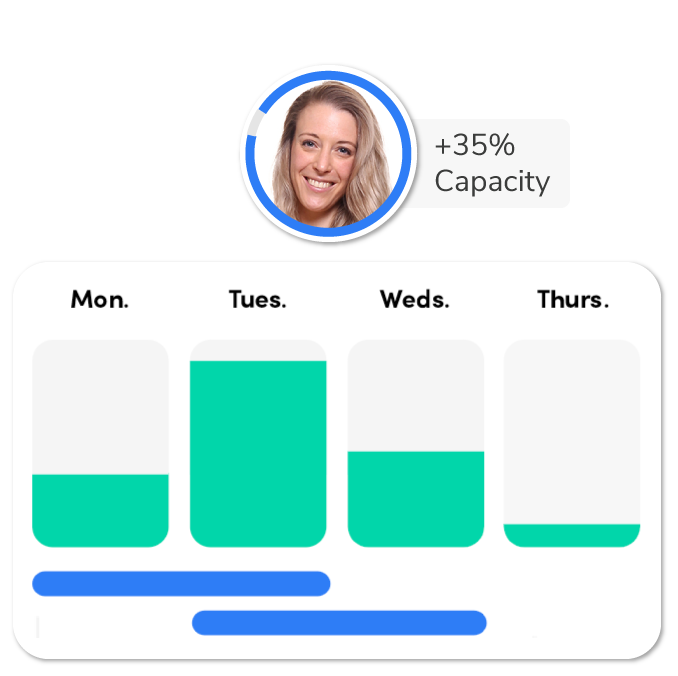
RoboHead provides insight into the health and priority of your team’s availability and workload.
Know when (and why) project delivery is delayed, what team members are overwhelmed or have bandwidth, and how many upcoming projects are headed your way.
Configurable for results.
Successful projects require teamwork and communication from start to finish.
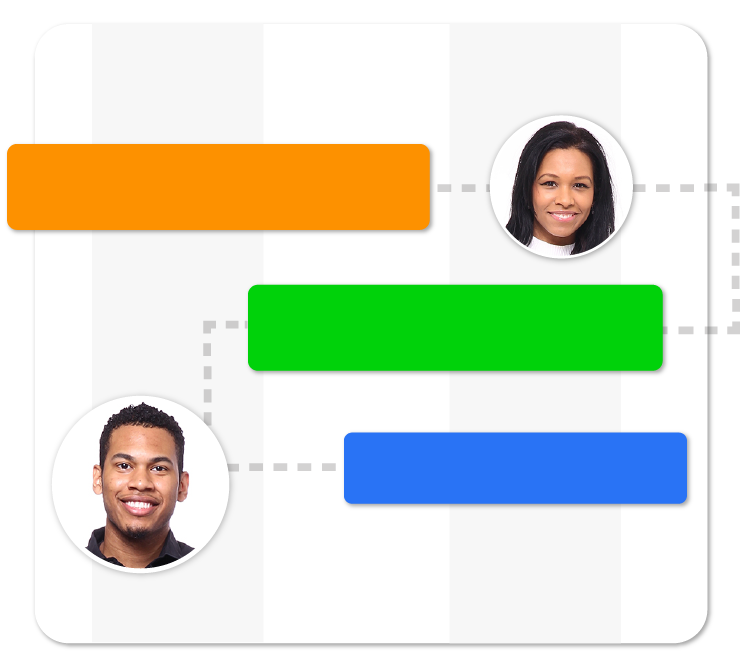
RoboHead helps enable your process because it was designed with the deliverable in mind with customizable project request forms, workload prioritization, file storage, collaborative review and versioning, and creative portfolio output.
Real-time Collaboration.
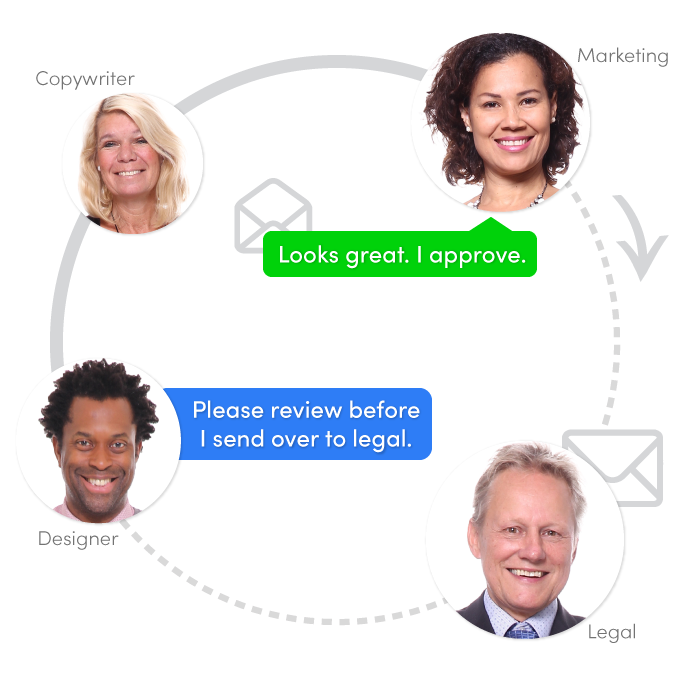
Save time and energy by using RoboHead to collaborate, provide feedback and share work with others in real-time.
Whether you’re looking for an automated process to share creative files with clients or looking for a quick way to comment on a task with @mentions, RoboHead was built to be your one source of truth.

The information you need at a glance.
Through customizable dashboards and reporting, you can quickly share both big-picture overviews or detailed analysis of each activity performed – including Campaigns, Requests, Projects, Tasks, Reviews, Surveys, Approvals, Expenses, and Time.
RoboHead is easy to learn, quick to implement, and supported by a dedicated customer success team.

Quick to Implement
We’ll move at your speed, but the RoboHead training team can have you up and running in a matter of weeks.

Unlimited Support
Our US- based customer support team is available to you 24/7/365 via email, phone, or chat.

60-Day Guarantee
RoboHead is backed by a 60-day 100% money back guarantee. No questions asked.
"We love how RoboHead keeps us all on-track in this virtual environment."Derrick N. – Creative Director, Availity
RoboHead lets us stay on top of all the approvals as we assign roles at the start of a project. You can imagine, it saves us a lot of time.Joanna B. — Manager, Enova Studios
RoboHead not only acts as a solid project management tool, but the benefits of reporting have been instrumental in supporting the need for justifying new staff. Andrew W. — Production Manager, Sentry Insurance
RoboHead is the best tool available that allows us to review projects, have collaboration and discussion on the multitude of projects that we work on daily, all in one place.”Jeff W. — Head of Creative Services & Traffic, Sega Europe Ltd.
RoboHead has made our department more productive. It makes my job much more efficient.Kelly M. — Traffic Manager, Assurant
I would recommend this software to anyone that needs to turn chaos into organization.Ann B. — Arch Corporate Services, Arch Capital Group






Put RoboHead to work for you.
RoboHead is a project management tool loved by the creative and marketing industry. Get the tool that empowers your team to plan projects, overcome roadblocks, and deliver great results.
Featured RoboHead Articles
If you want to learn about the tools, practices, and insights on creative project management in the marketing and creative industry, look no further. Find all the information you need on project management, resource planning, team collaboration, marketing strategy, and relevant best practices on our blog.
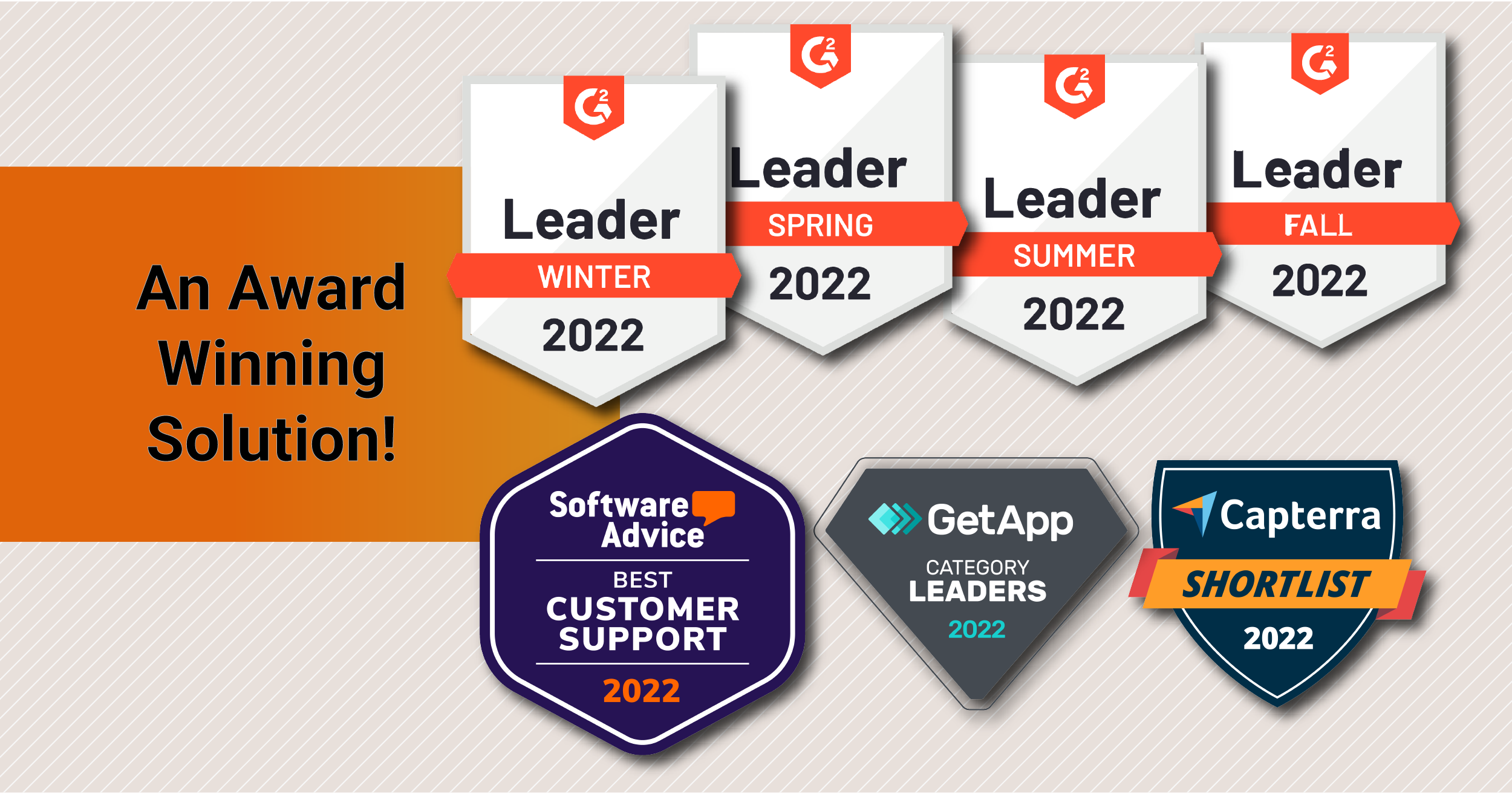
RoboHead recognized as 2022 Leader
From being named “Leaders” to a “Best Customer Support” in work and project management, 2022 has been a year of positive affirmation and recognition from our users!

Better project management can unlock your creative potential.
Discover how one of our designers got her Project Management tool to work best for her and how she overcame her daily frustrations.

10 Ways Project Management is Frustrating Your Team
Unclear and always-changing task management systems—or lack thereof—can leave employees feeling frustrated, burned out

Don’t just take our word for it.
Creative & marketing organizations around the world turn to RoboHead to bring their teams together to produce high-quality campaigns. Discover what our clients and past users have to say about RoboHead on the 4 top trusted review sites for project management software. *RoboHead is highly rated in Project and Resource Management as rated by Software Advice’s 2021 FrontRunner Report, Capterra’s 2021 Digital Market Best Value Reports, GetApp’s Category Leader, and G2’s 2021 Winter, Spring, Summer, and Fall Grid Report.